A Fineract workspace built for the people in it all day.
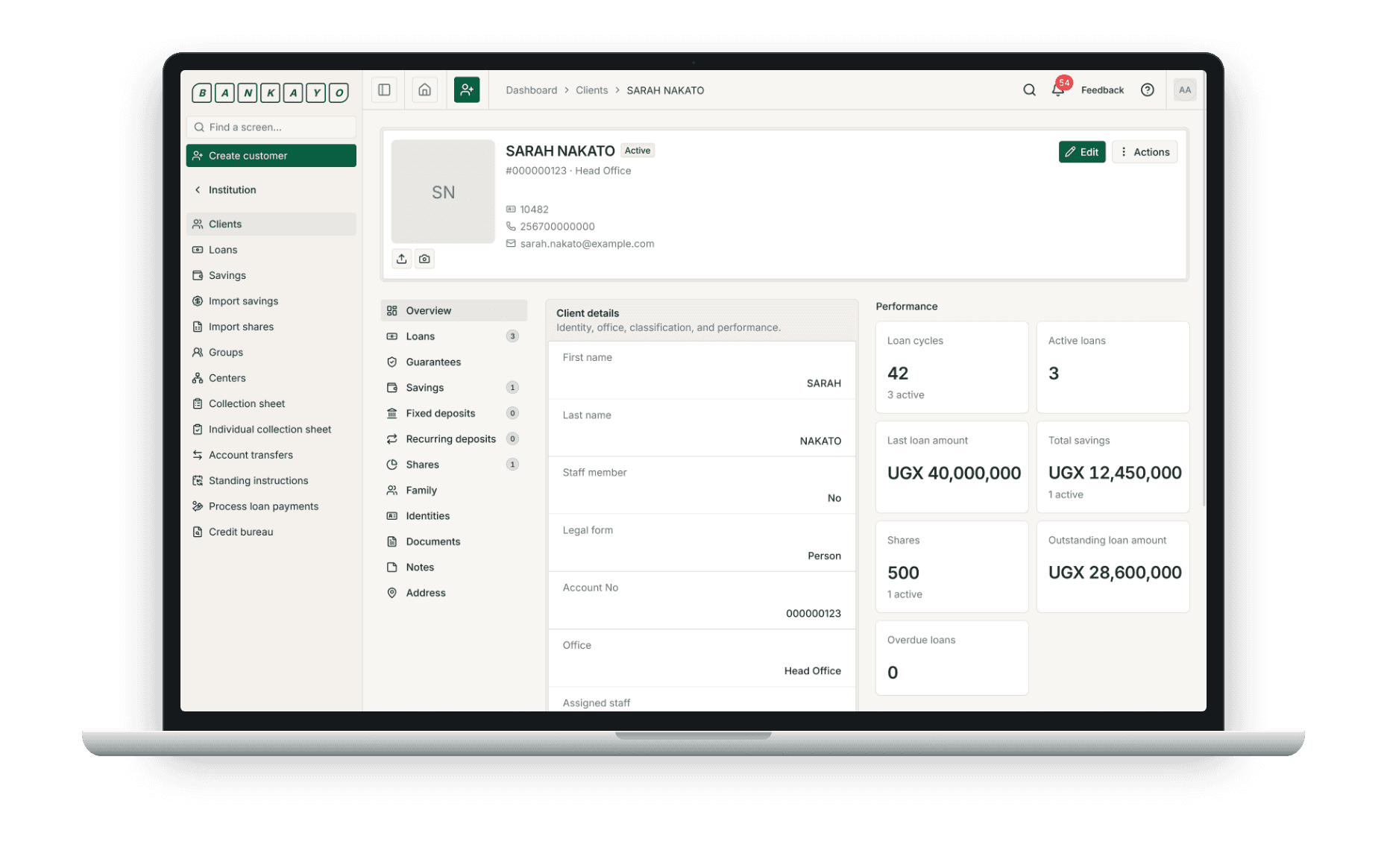
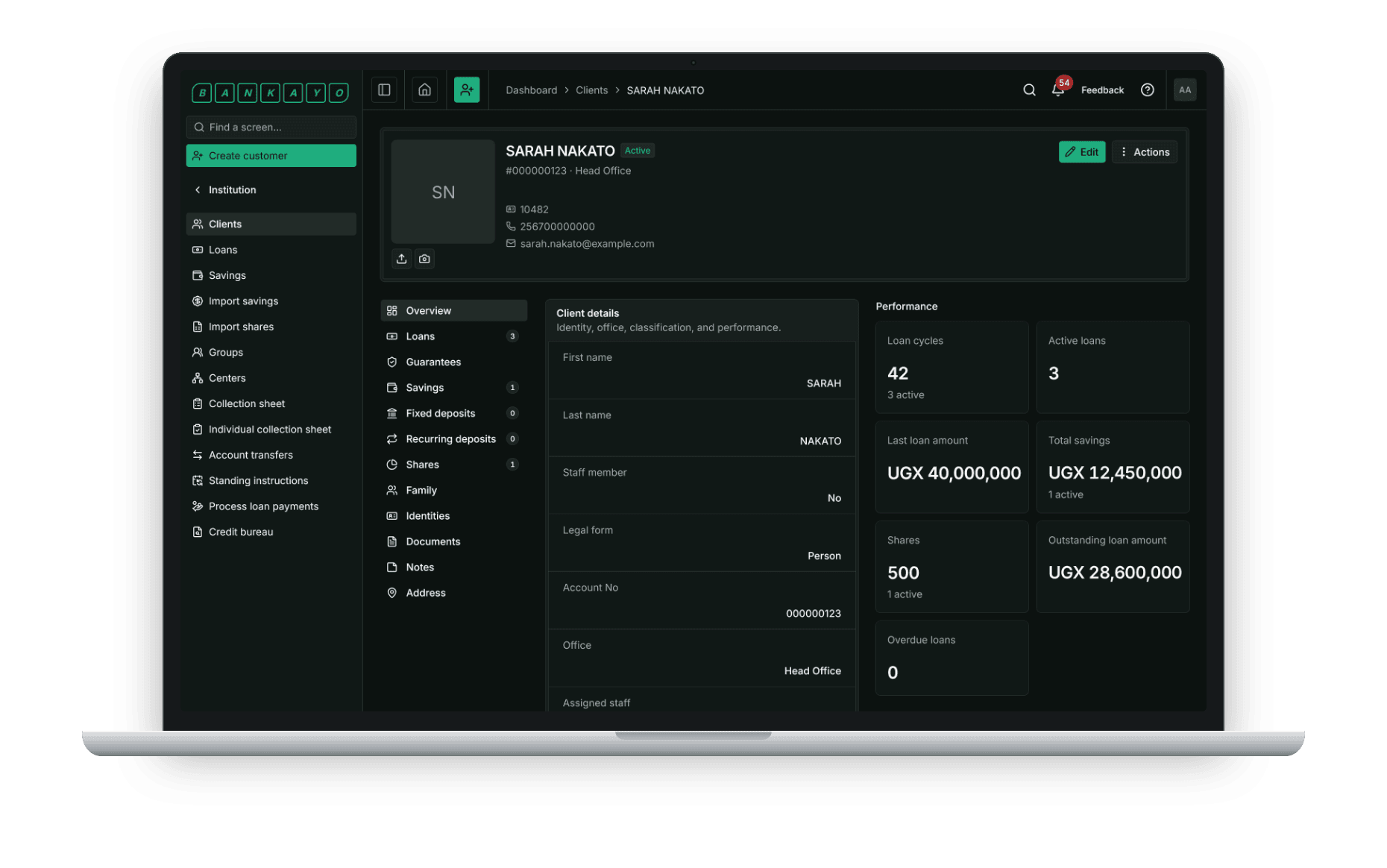
Clients, loans, savings, charges, accounting and reporting — on the Fineract API, with UX built around the job your staff actually do. Runs on our Fineract or on yours.
Officers and tellers
The daily queue: clients, loans, savings and cash.
Text and video, on a dedicated site
docs.bankayo.io explains the workspace and Fineract — writing and video, matched to the screens.
A fix in a couple of hours
When a screen does not work as your staff expect, you reach us. A solution in a couple of hours.
Your instance, or ours
Point the workspace at the Fineract you already run. Nothing migrates and nothing is replaced.
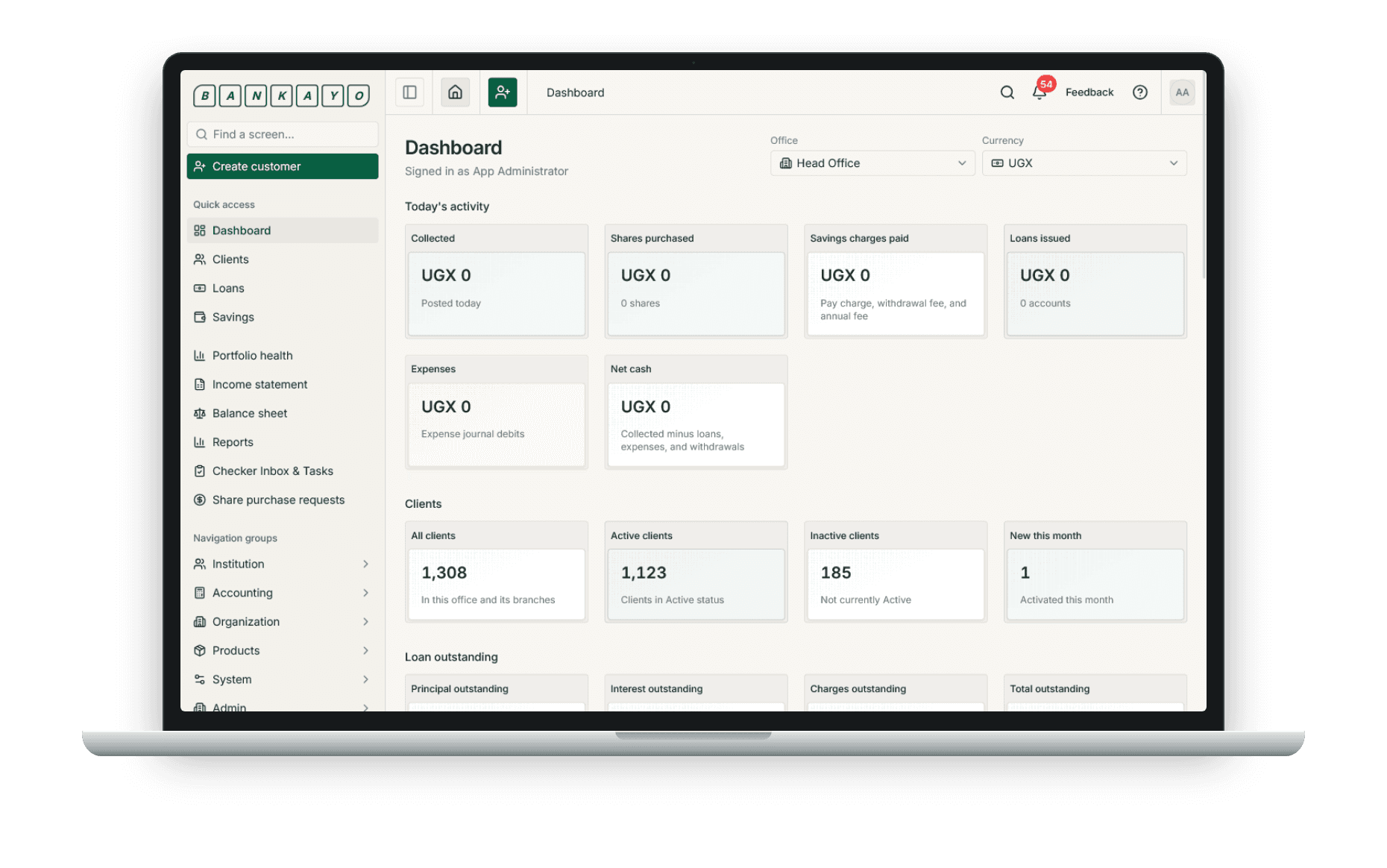
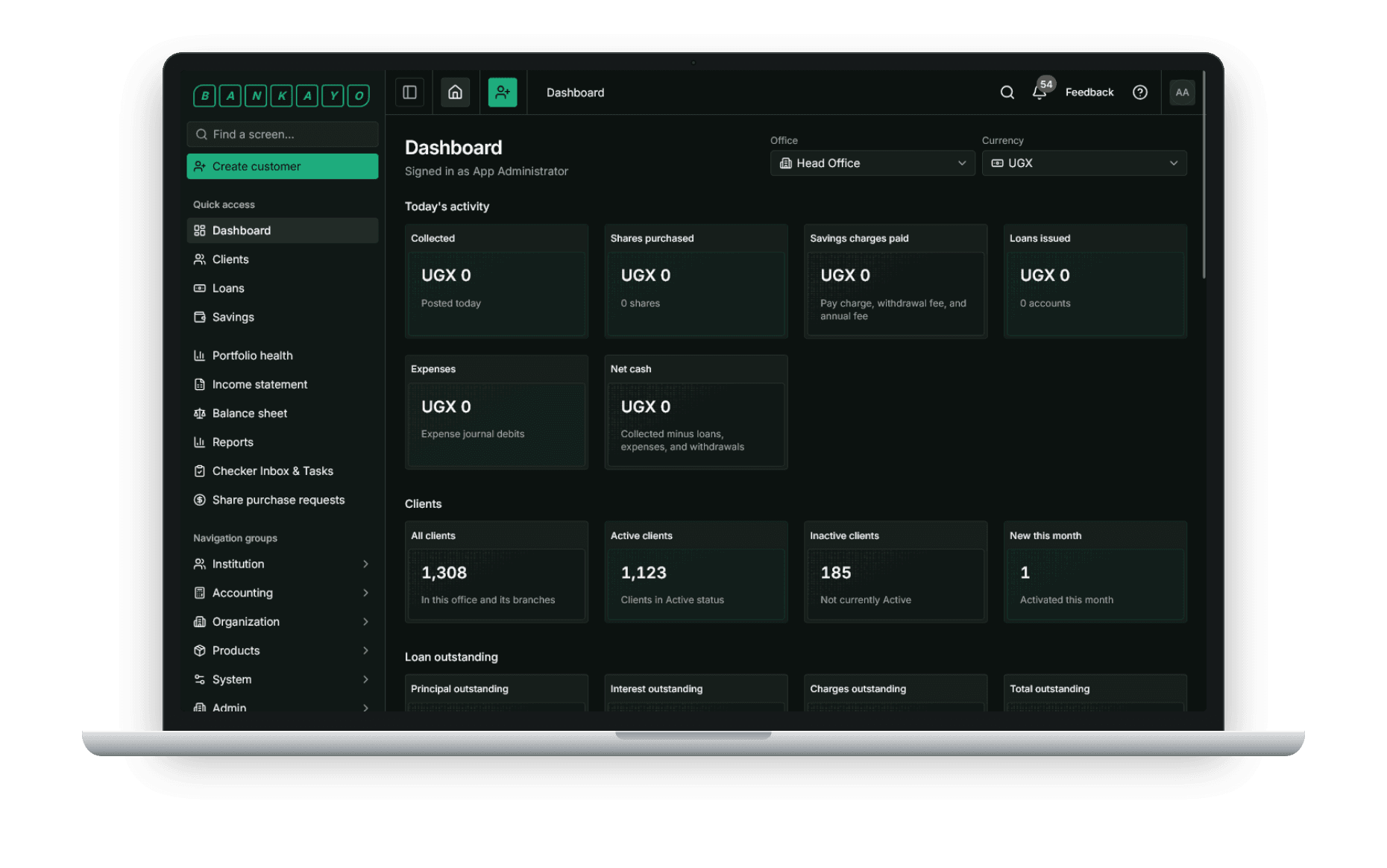
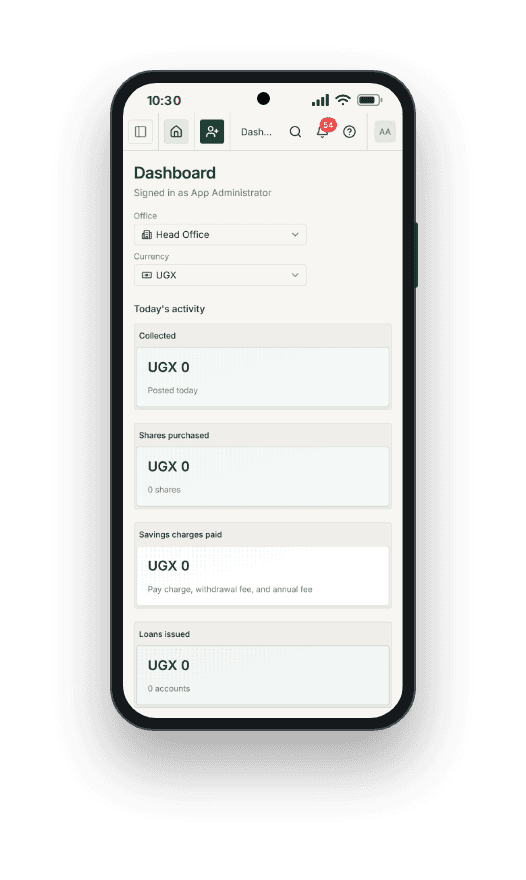
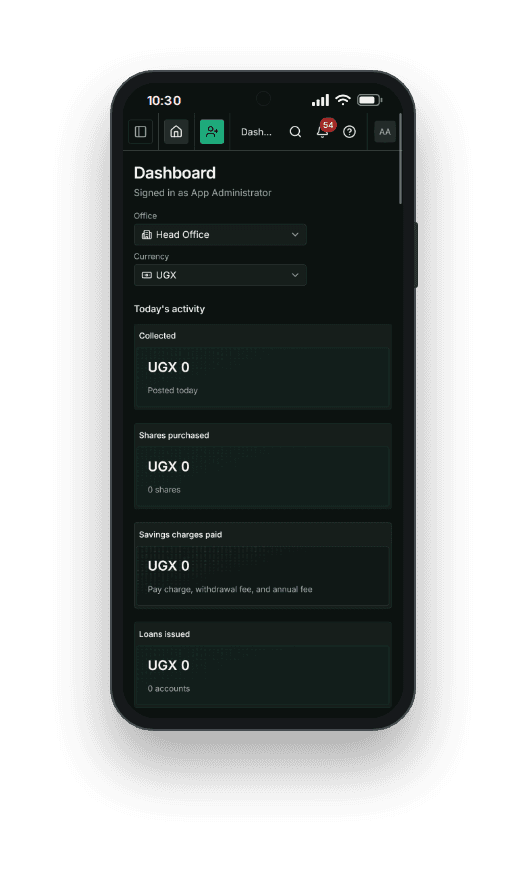
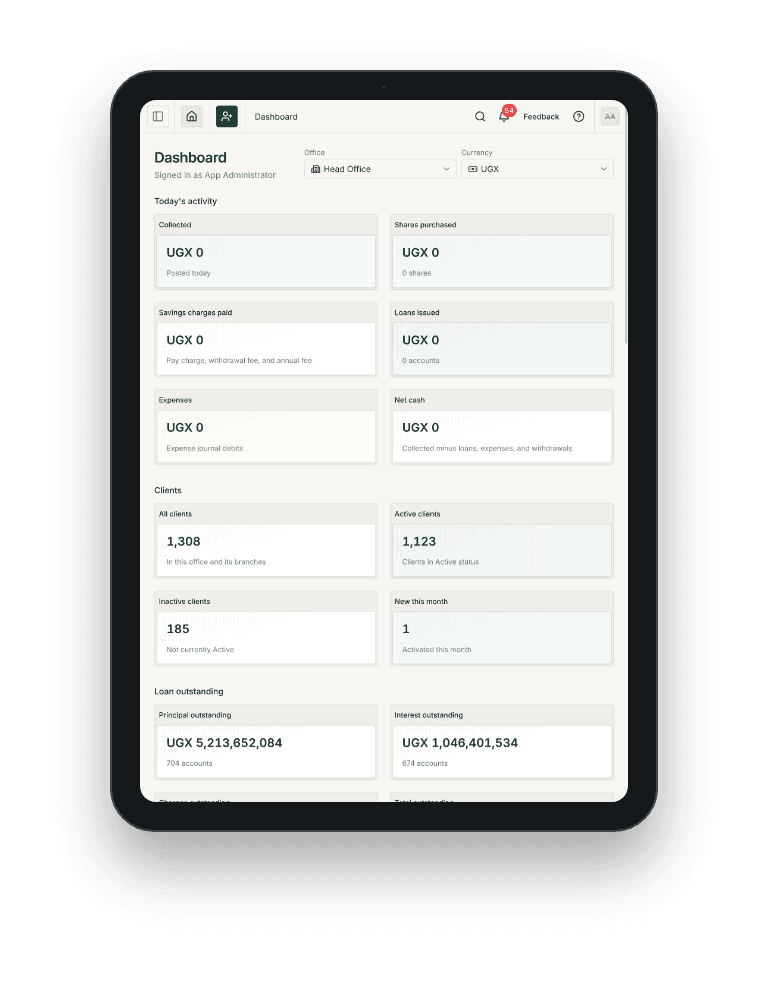
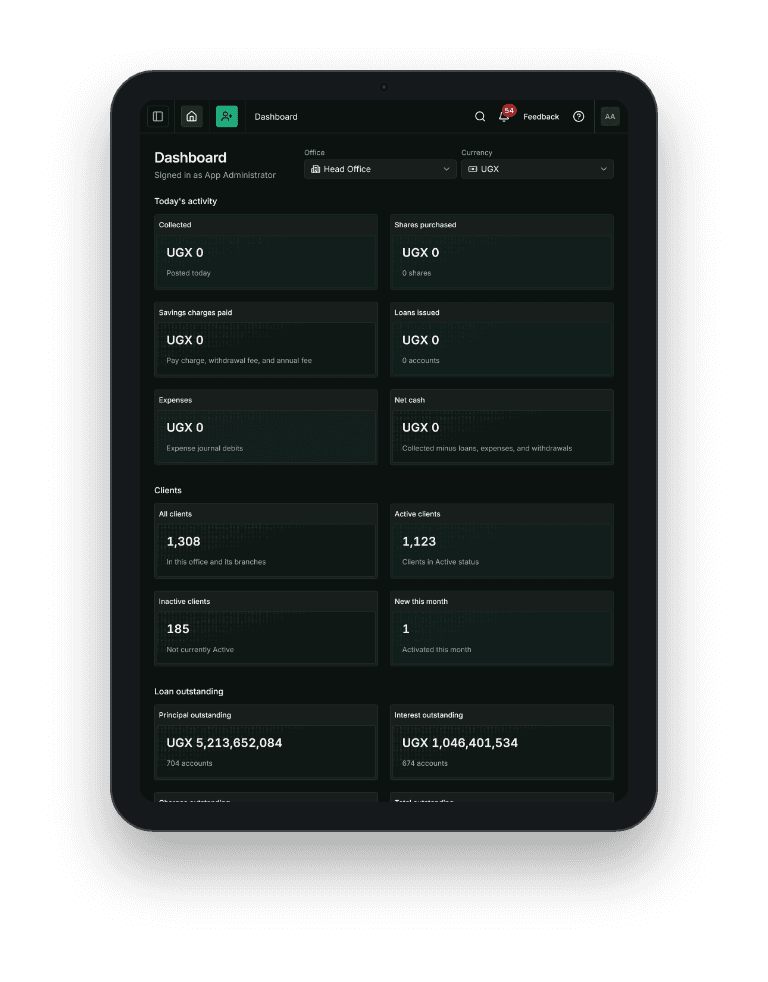
On a phone — the same dashboard your staff open in the field.
How your staff get in
Two ways, depending on who runs the Fineract instance.
What's in the workspace
The modules your institution runs on, in one place, on Fineract.